If you are using your school laptop at home, are connected to your home WiFi but still do not have Internet the most likely cause is a Proxy Server.
To disable the proxy server please follow these steps.
Right click on the start menu icon and select Settings, or press the windows key and X
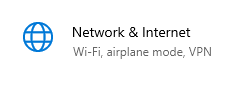
Click on "Network & Internet":
Select Proxy from the list to the left:

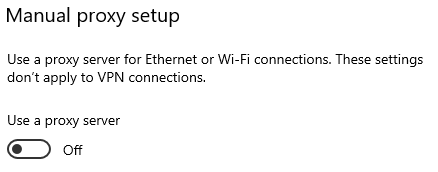
Ensure the option for "Use a proxy server" is set to "Off":
Depending on the configuration in your school you may need to enable this again for the Internet to work when you are back on site.